
Services
Meeting area
Meeting area
Networking is a dedicated service for scheduling business meetings and reserving meeting
spaces for participants in the International Transport and Logistics Forum.

Our team of specialists will assist you in connecting with the right participants, as
well as coordinating and booking meetings right at the event venue.

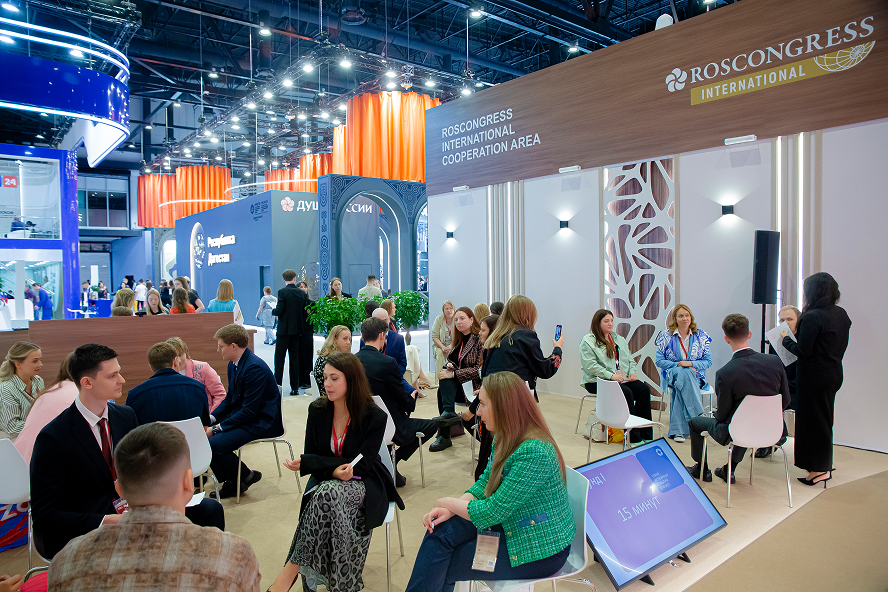
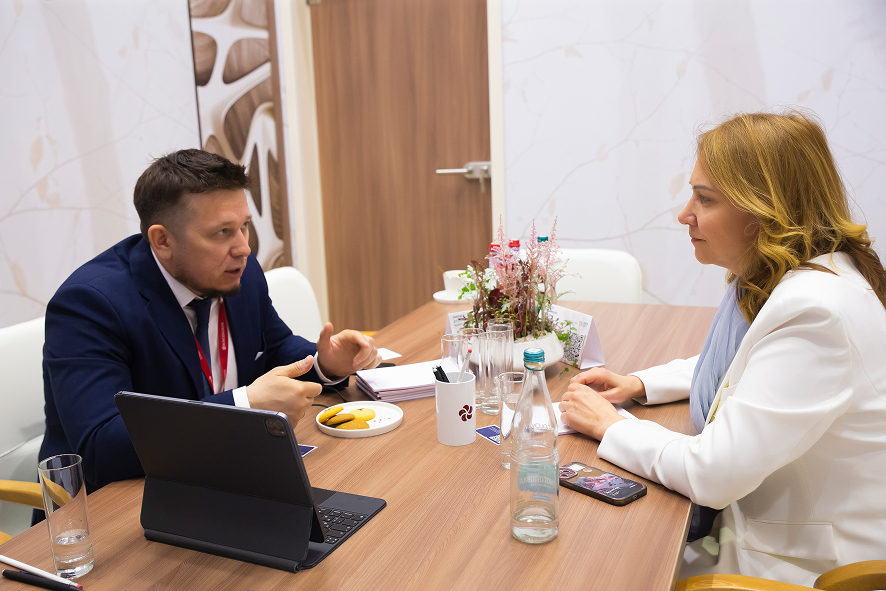
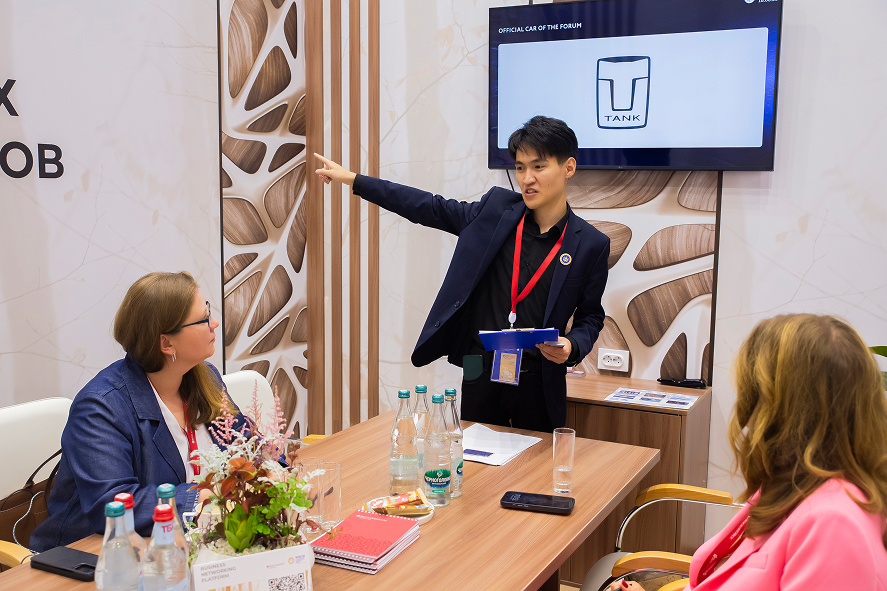
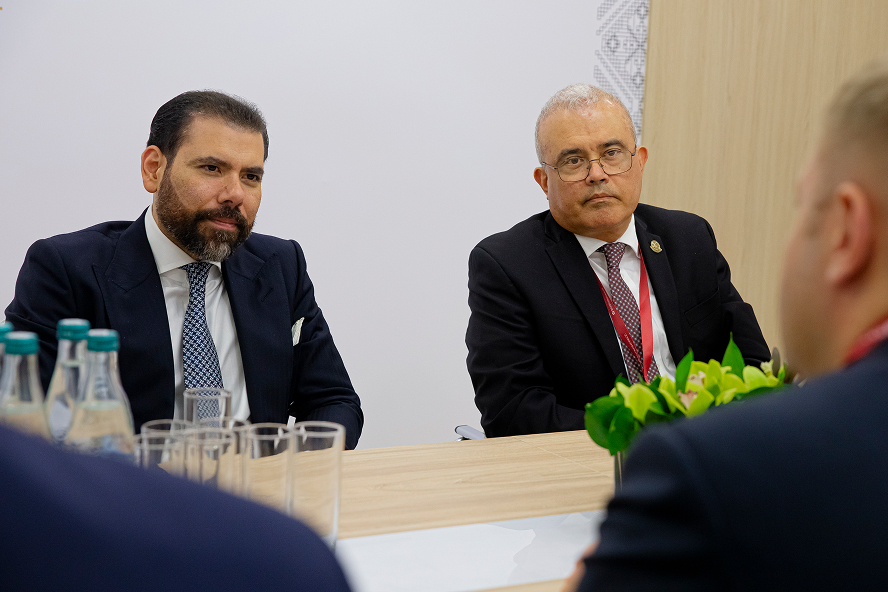
- Meeting spaces for one-on-one and group talks (allocated in time slots)
- Opportunities to meet with industry representatives
- Face-to-face interaction and establishment of valuable professional connections
- Assistance in initiating contact and confirming meetings with the people you invite
LIST OF INDUSTRIES
MACHINERY AND EQUIPMENT MANUFACTURERS
AEROSPACE INDUSTRY
FREIGHT TRANSPORTATION
PASSENGER TRANSPORTATION
SPECIALIZED NON-PROFIT ORGANIZATIONS
EXECUTIVES AND STAFF OF TRANSPORT REGULATORY AGENCIES
WAREHOUSING AND TRANSPORT SUPPORT ACTIVITIES
FOR PARTICIPANTS
Format
- Meeting spaces for one-on-one and group talks (up to 4–6 participants)
- Meeting duration – 25 minutes
Please note that you cannot book more than two consecutive time slots.
Meeting time and place

ExpoForum Convention and Exhibition Centre
Meeting Area, passage in zone F

-
1 April (10:00–20:00)
-
2 April (09:00–20:00)
-
3 April (09:00–18:00)
Meetings are held according to time slots generated by the online appointment scheduling
system based on submitted requests (accessible via the Daily Planner tab in the Roscongress personal
account
or in the
Roscongress mobile app).
For further inquiries, please contact the desk administrator or use the service contact
details.
HOW DO I SCHEDULE A MEETING?
-
1Log in to your Roscongress personal account or the Roscongress mobile app, and open the Daily Planner section.
-
2Click the ‘Create Event’ button.
-
3Select the event type ‘Meeting’ and the event ‘International Transport and Logistics Forum 2026’.
-
4Fill in the required details and select the other participant you would like to meet with using the search function. The participants you invite will see the scheduled meeting appear in their personal account and will receive a push notification in their mobile app (if they are using it).The list only displays participants who consented to the publication of their personal information when submitting their application.
-
5If you do not receive a response, the service team will contact the other participant, verify your respective expectations and interests, and assist in coordinating the meeting.
-
6Once you see that the meeting has been confirmed by the other participant, please proceed to the Meeting Area in the passage at the agreed time and we will be there to meet you!
CONTACT US
If you need additional confirmation from the participant you invited, the service team
will assist in coordinating and booking the meeting.
